A better screenshot tool for Mac
Replace the built-in screen capture. Mark up every shot, and save smaller files automatically.
Free and open source. Requires macOS 26 or later.
01
Replaces macOS screen capture
Take screenshots and recordings with the shortcuts you already know.
⌘⇧3Full screen⌘⇧4Area or window⌘⇧5Record
See every click and key
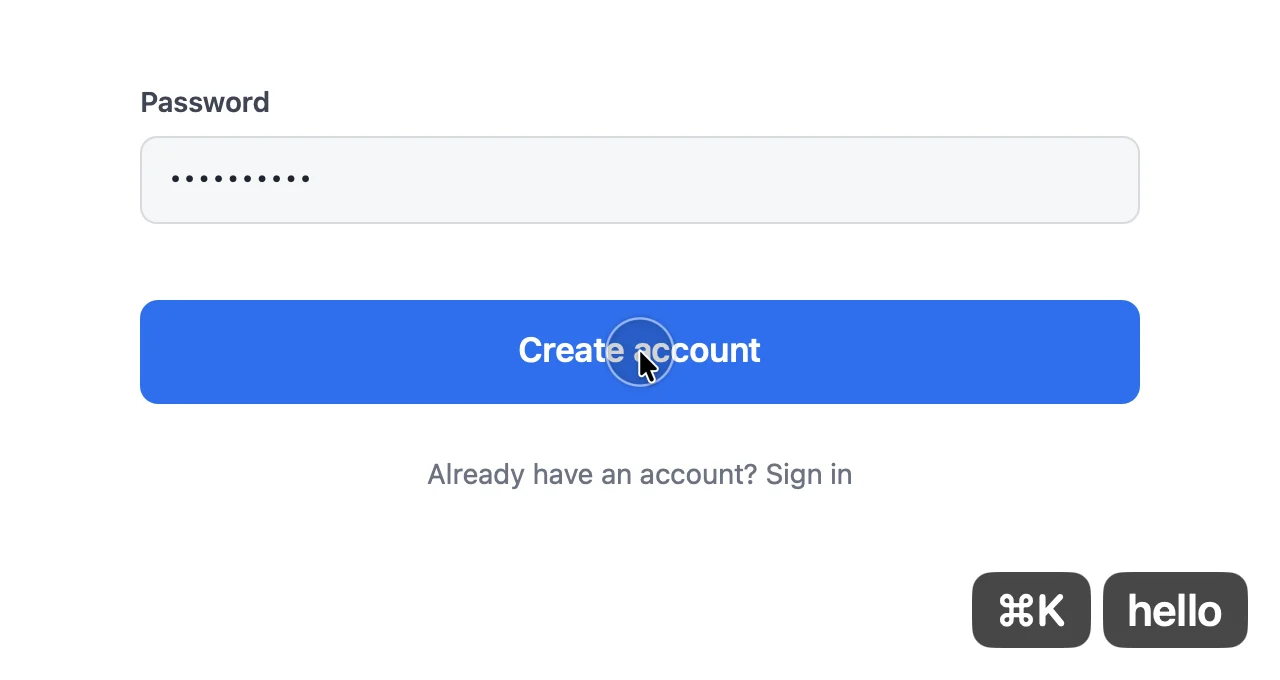
Recordings can show a ripple where you click and your pressed keys in the corner, so viewers can follow along.
02
Add text, arrows, and boxes
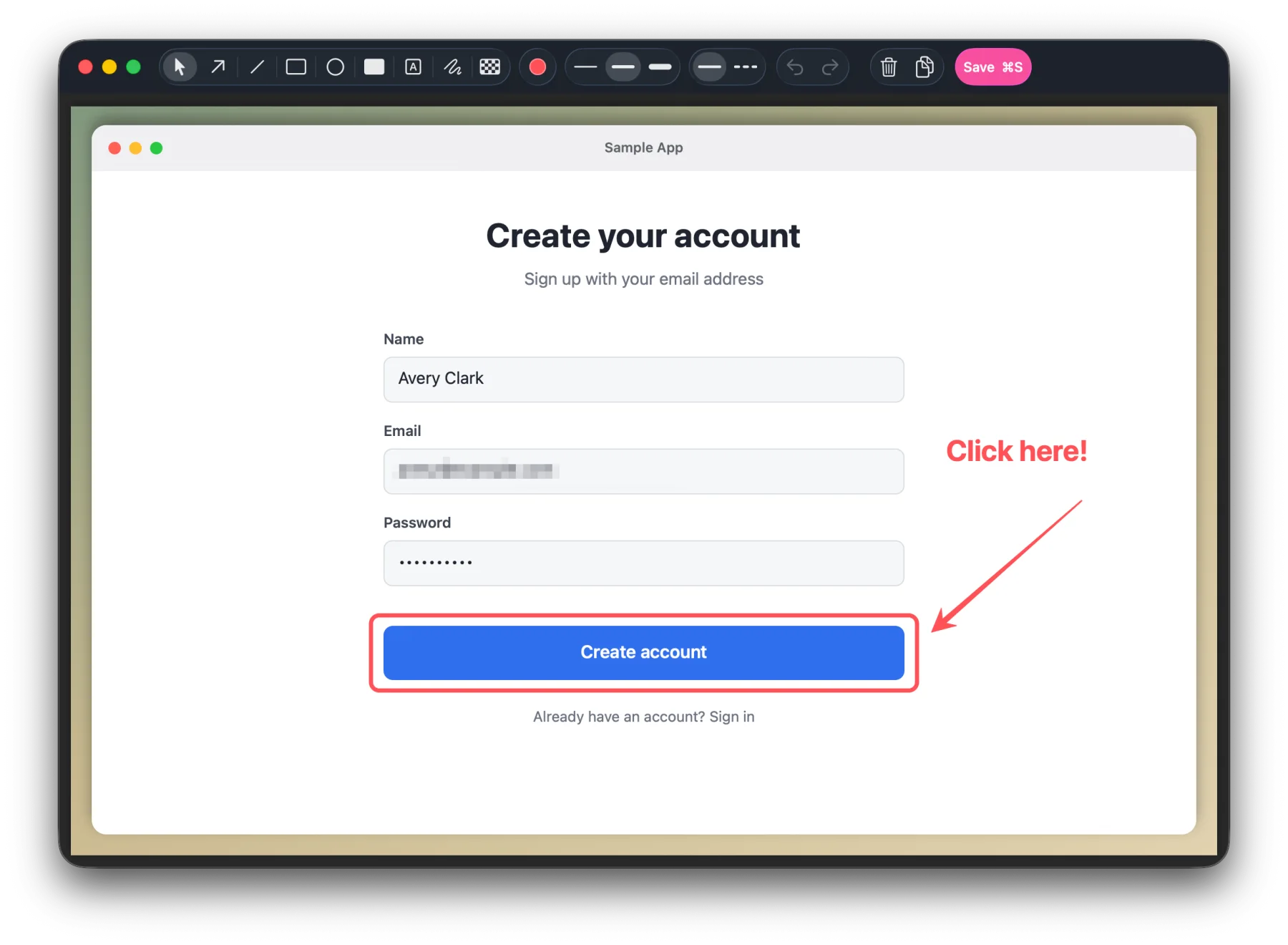
The editor opens right after you capture, so you can point things out and hide private details.
03
Smaller files, automatically
Screenshots save as WebP and recordings as WebM, with no extra steps.
You can also choose PNG, JPEG, MP4, or MOV.
Screenshot
92%smaller
Recording
92%smaller
Measured with the sample screenshot and demo video on this page. Results vary by content. WebM requires ffmpeg (brew install ffmpeg).